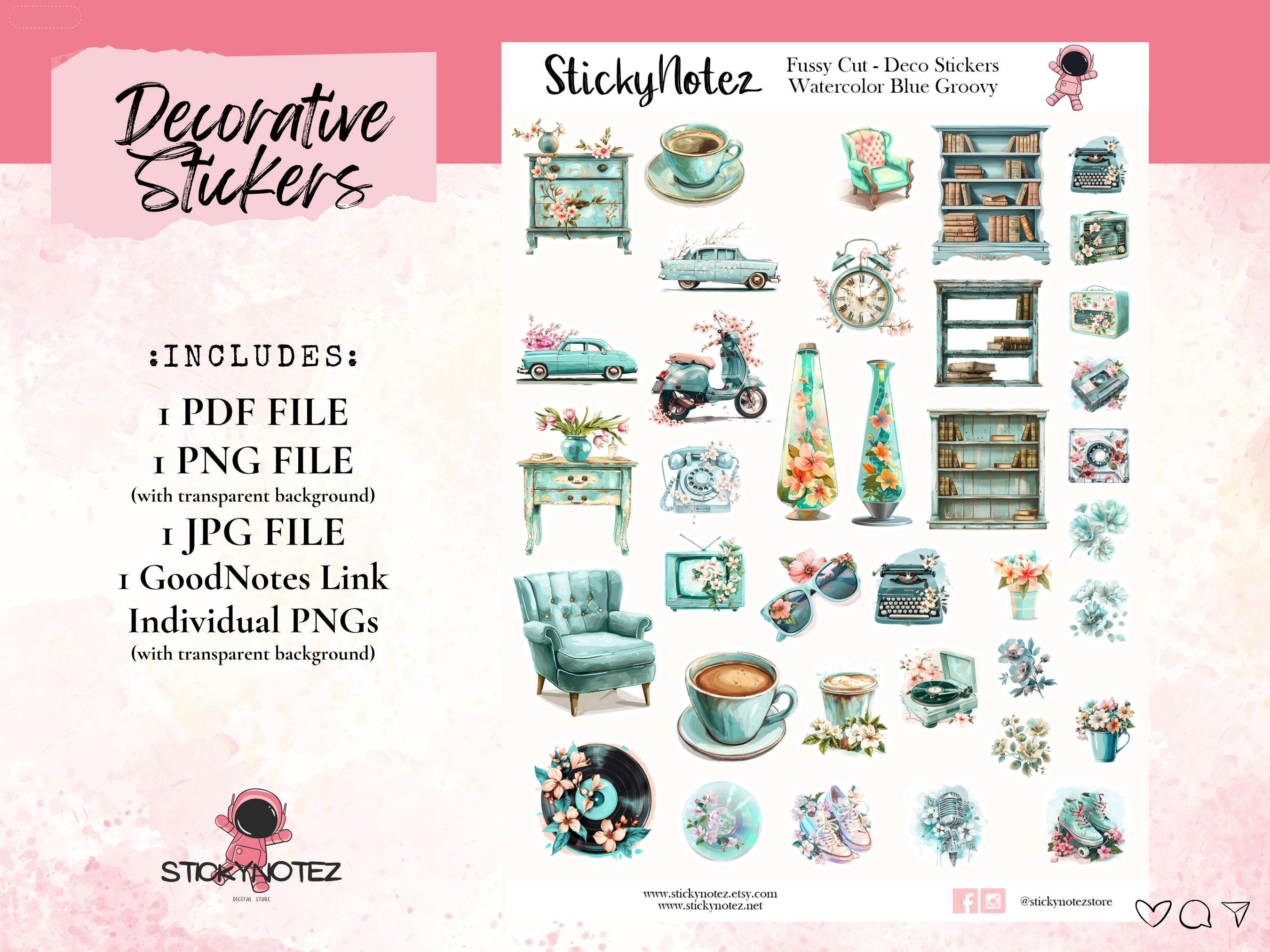
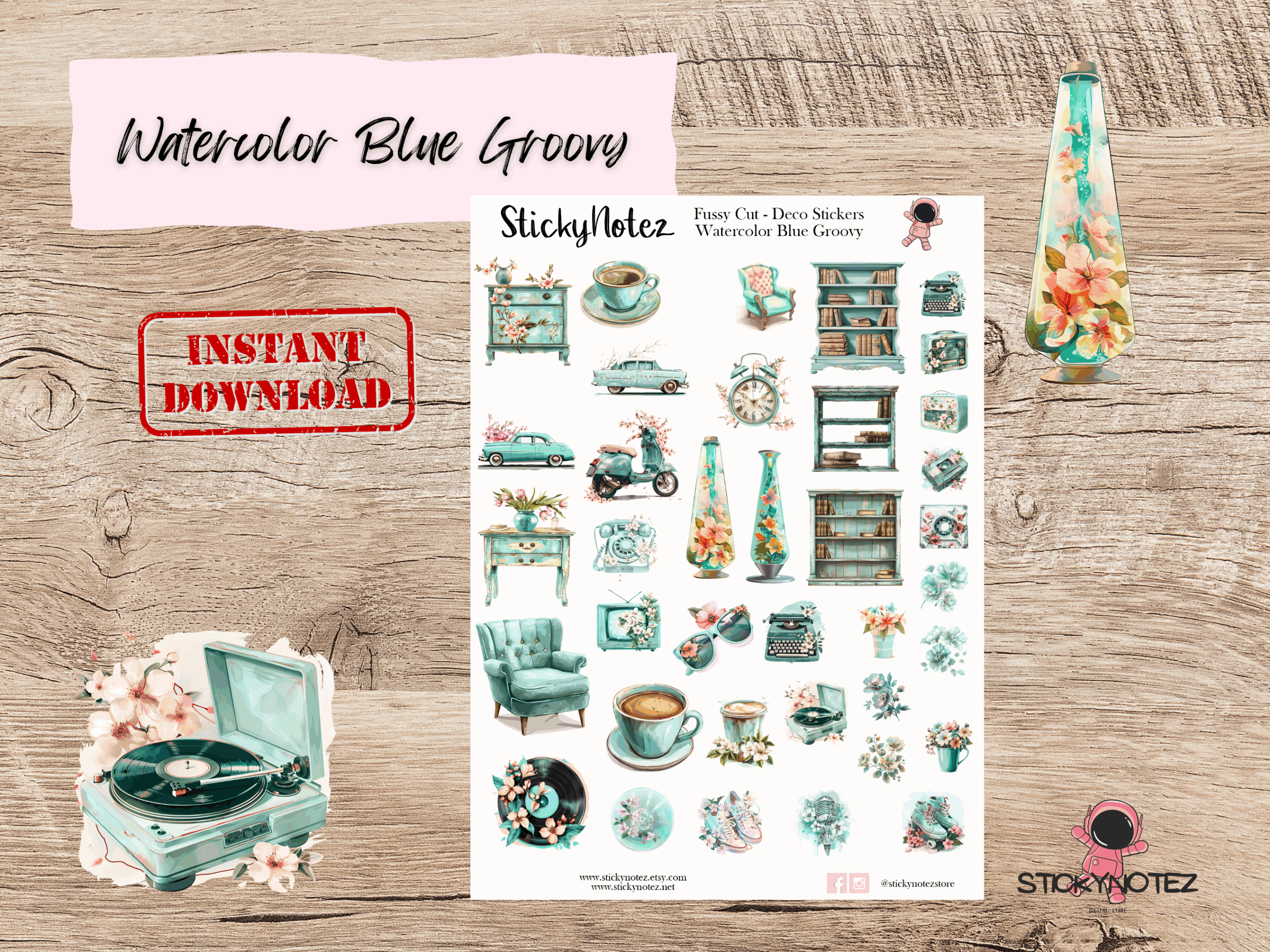
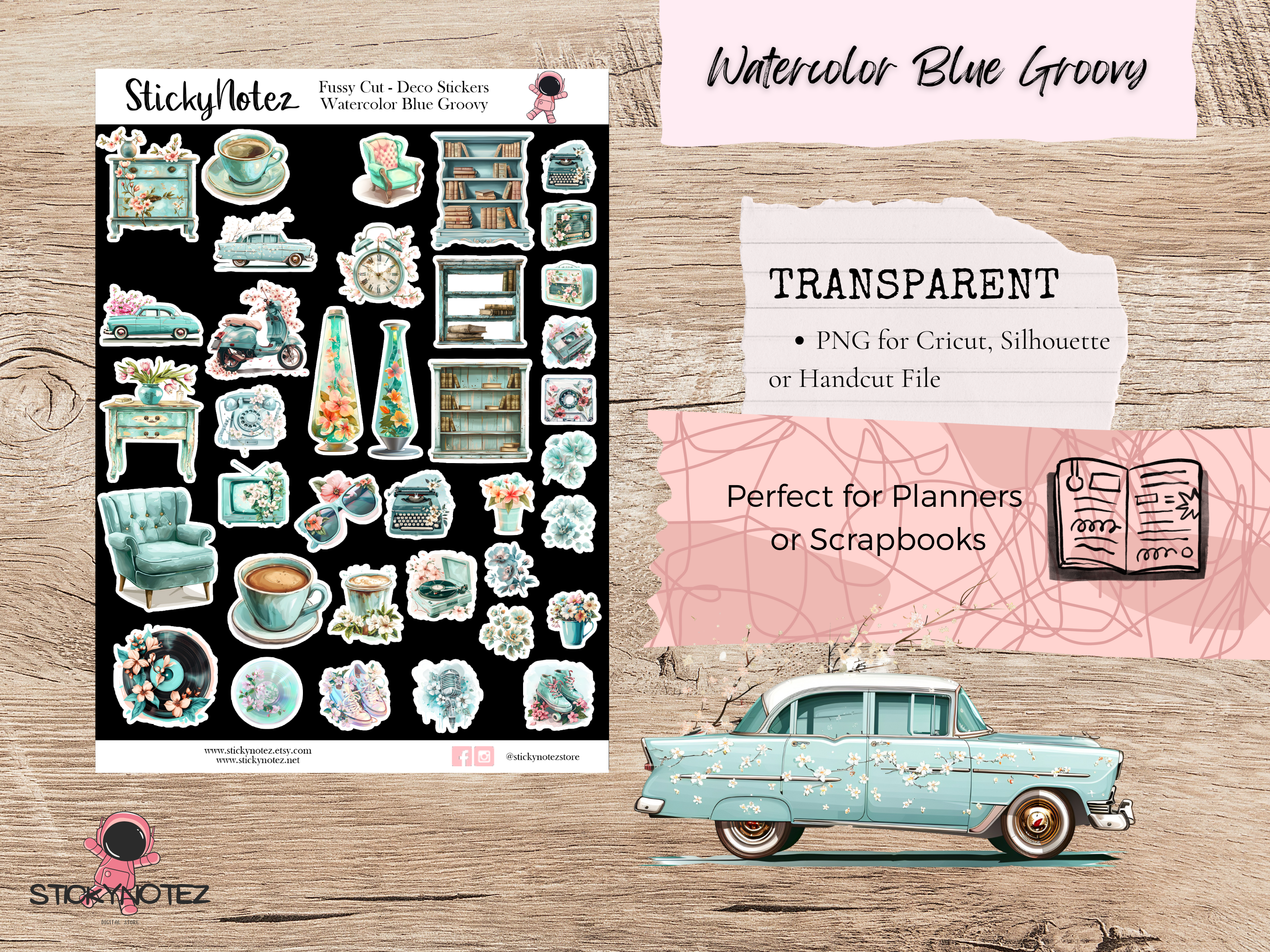
Watercolor Blue Groovy Decorative Stickers | Printable Fussy Cut Stickers | Digital Planner Stickers | Groovy 70s Scrapbooking | PNG PDF JPG
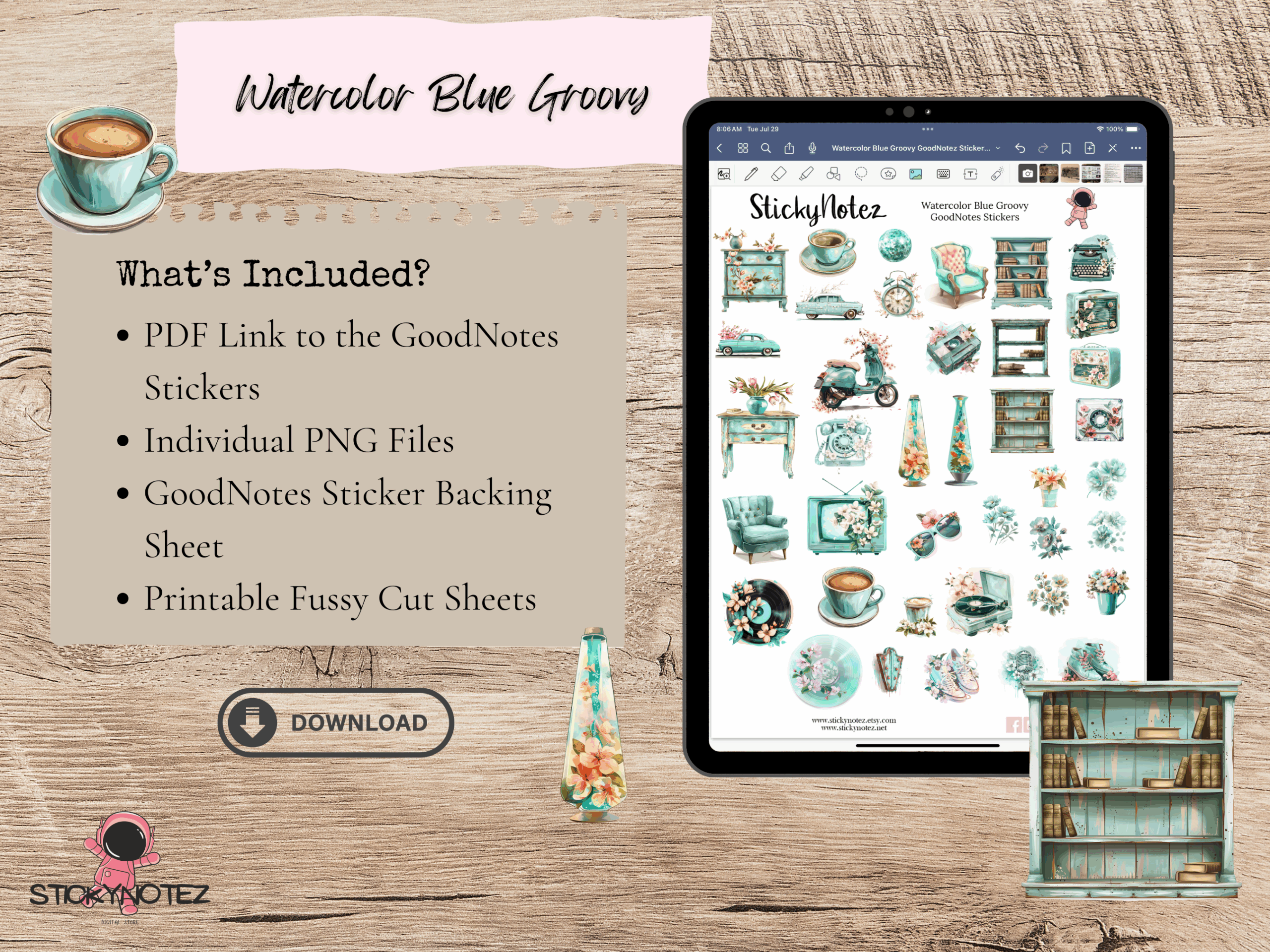
Bring a touch of retro to your planners, journals, and scrapbooks with these Watercolor Blue Groovy Digital Stickers! Perfect for digital planning, printable crafts, and fussy cutting, these high-quality PNG, PDF, and JPG files are easy to download and use with Cricut, Silhouette, or by hand. Or GoodNotes Stickers if you prefer to use them digitally.
Organize your week with these printable decorative stickers, perfect for decorating your planner, bullet journals, scrapbooks, or notebooks. You can print this file as many times as you want and use it again and again, across all your planners and journals.
*** NOTE: THIS PRINTABLE IS FOR DOWNLOAD ONLY | NO PRINTED STICKER WILL BE SHIPPED. ***
: FEATURES :
✅ Instant digital download
✅ Perfect for fussy cutting, digital planning, or printable crafts
✅ Compatible with GoodNotes, Procreate, Silhouette, Cricut, or traditional scissors
✅ Watercolor old school aesthetic
: USE IDEAS :
✅ Decorate your digital planners (GoodNotes, Notability)
✅ Add to printable scrapbooks or planners
✅ Include in junk journals
✅ Card making
✅ Creative digital collages
Aesthetic | Theme | Vibe Stickers
#feelingblue #bluevibes #aesthetic #moodyblues #staygroovy #retrovibes #70svibes #bohovibes #vintagestyle #throwback #oldschool #stickers #digitalstickers #digitalplannerstickers #digitaldownload #printablestickers #cricutstickers #printable
This listing includes PNG and JPG files that can be uploaded into Cricut and Silhouette to create, print and then cut your files. For hand cutting, a PDF file is included. A Link to your own GoodNotes File and individual PNGs.
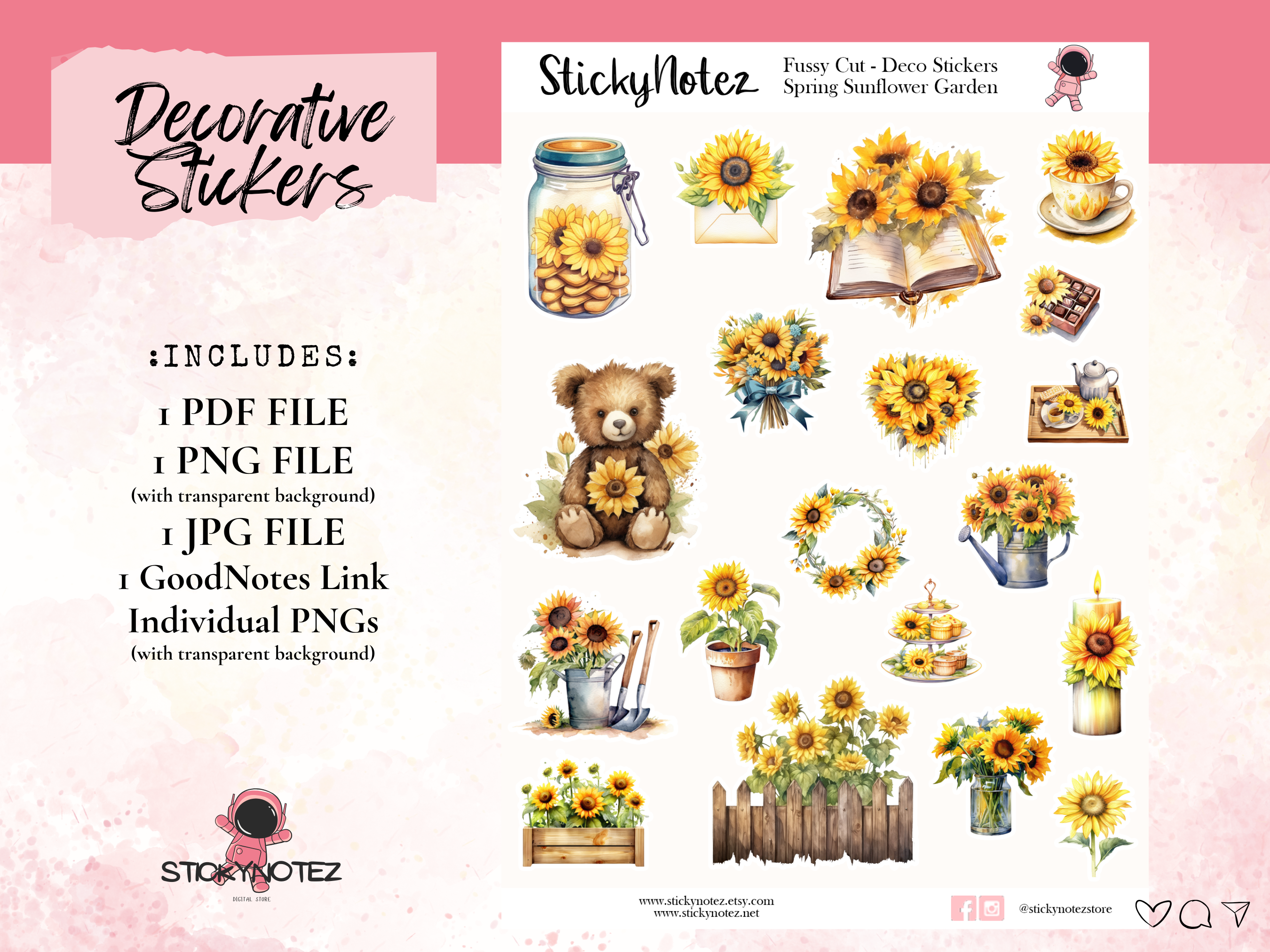
: INCLUDES :
✔ 1 PDF sheet (8.5 x 11 inches)
✔ 1 PNG file with transparent background
✔ 1 JPG file
✔ 1 GoodNotes File
✔ 1 Folder of Individual PNGs with transparent background
✔ High resolution (300 DPI)
: HOW TO USE THESE FILES :
For planning friends with a cutting machine (ie. Silhouette or Cricut) the PNG and JPG files are easily uploaded to your cutting machine.
If you do not have a cutting machine, you can easily hand-cut these stickers by hand, using scissors or a cutting tool.
For Cricut – If, for some reason, the stickers do not seem to be the correct size, try resizing the PNG file to 6.75 x 9.25.
For the PDF files – You will need a PDF reader. You can download this for free on the official website – https://get.adobe.com/reader
For Silhouette – Although I do offer JPG file for use with a Silhouette, I personally do not own a Silhouette, and therefore am unable to offer support for the machine or its software. If you have any questions about using these files with your cutting machine, I would highly recommend visiting YouTube as there are many, many video tutorials for cutting machines on there.
For Good Notes – Open installed Good Notes app. Click New “Plus Button” and Import the .goodnotes file that you download from from OneDrive.
: PLEASE NOTE :
This item is for PERSONAL USE ONLY and may not be resold as a digital or physical product. Due to the nature of instantly downloaded products, refunds will not be given after the purchase. Colors may vary from monitor to monitor and according to your print settings.

Reviews
There are no reviews yet.